
8CM3S41718
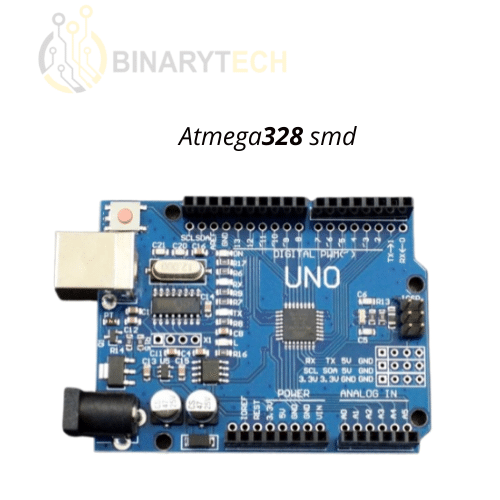
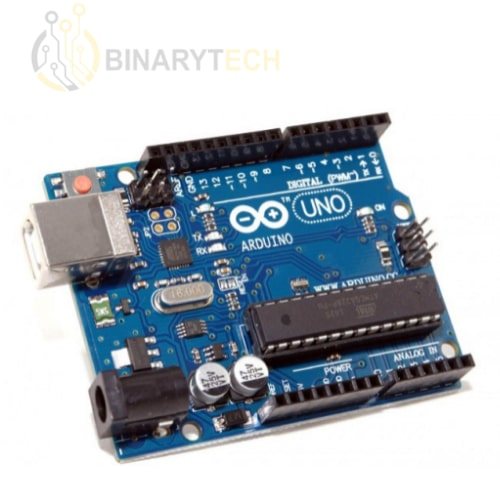
Arduino UNO 328PU SMD Development Board
DZD 1,500.00
30 results
Arduino UNO R3, NANO, MEGA 2560, Pro Mini and DUE boards, in original or compatible versions, with enclosures and Ethernet shields to build your projects and graduation projects.
8CM3S41718
282HO41282

8Z19429671
A6T7J12038
DB32434579
46DS533731
2W25433715
VC3TD31447
MYNYM29275-01
3XPVL26215
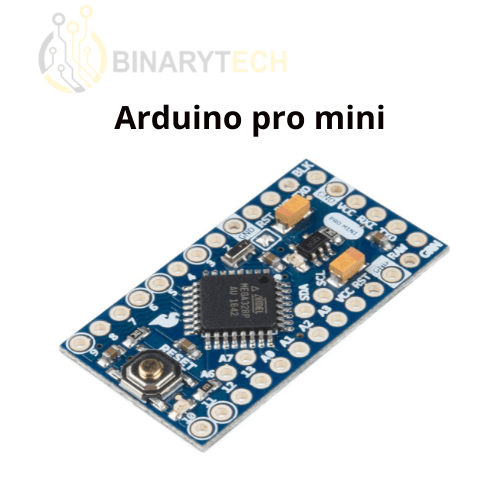
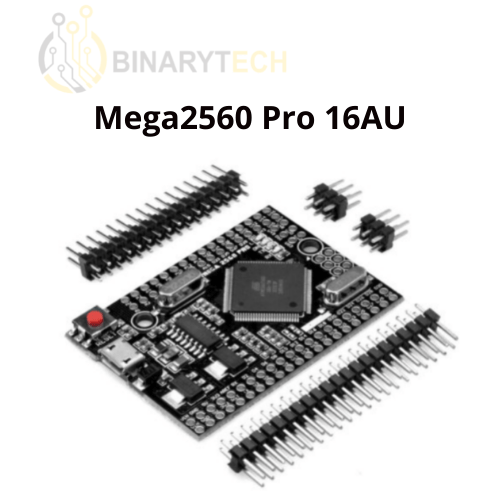
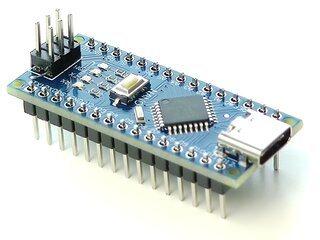
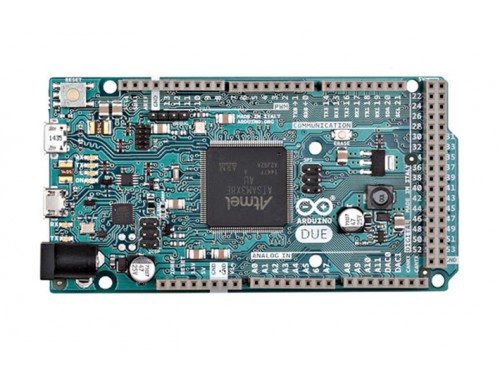
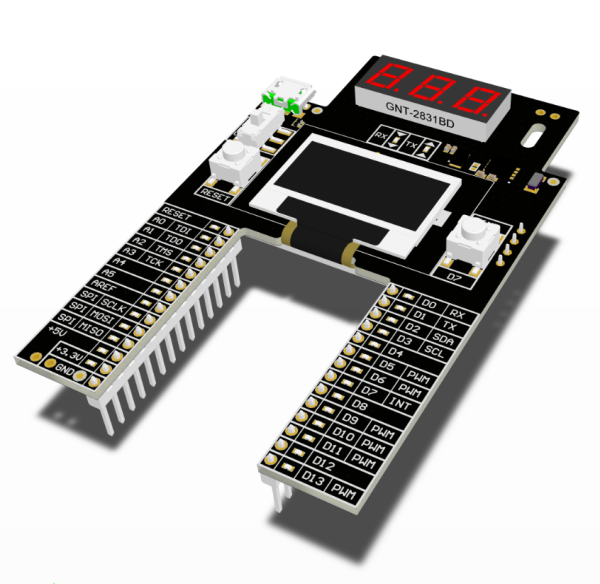
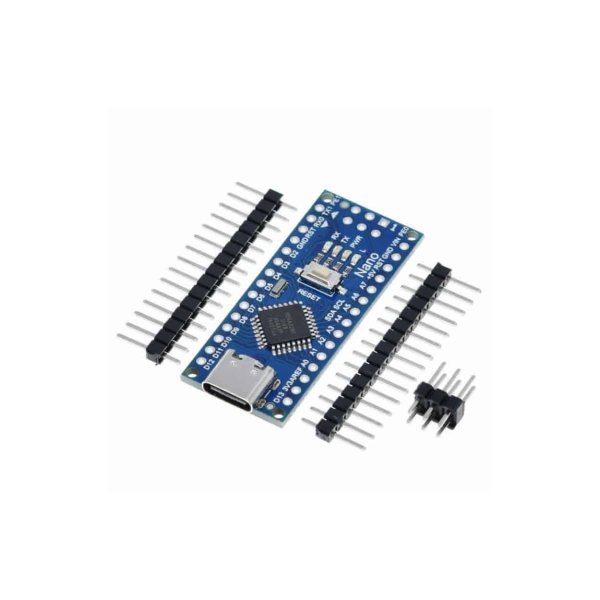
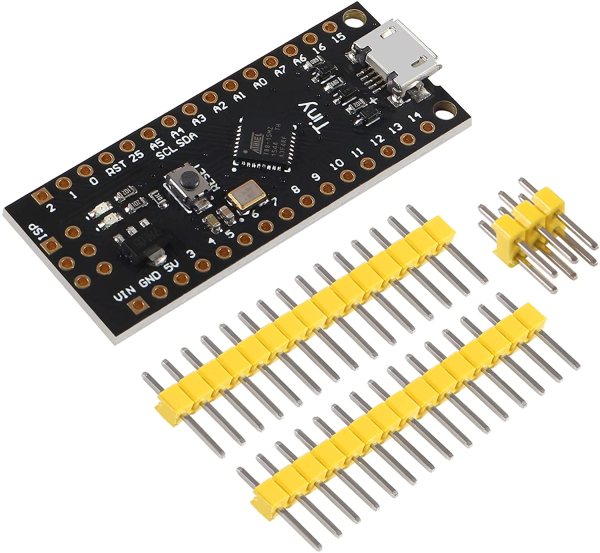
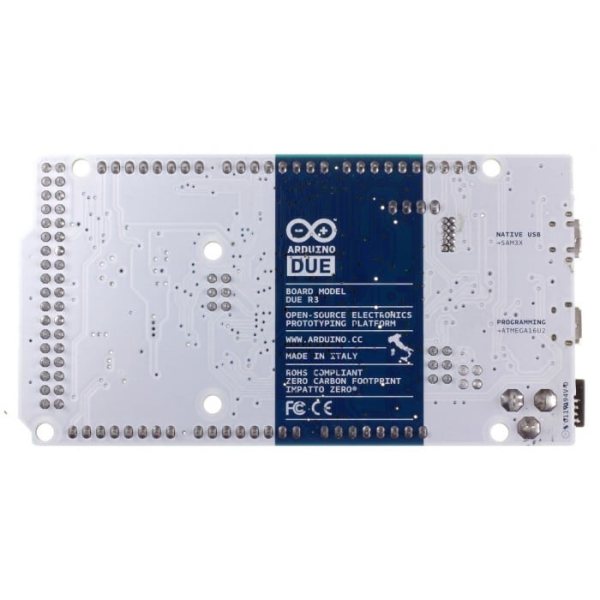
The choice first depends on the number of inputs/outputs and the space available in the build. The UNO R3 remains the usual learning board: large connectors, ATmega328P microcontroller, compatible with most shields. The NANO has the same capabilities in a format that solders directly onto a board; pay attention to the connector (USB type C or micro-USB) and whether the pins are pre-soldered or not. The MEGA 2560 is the choice when you run short of pins: displays, many servos, 3D printer. The DUE and M0 move to a 32-bit core, faster, but in 3.3 V logic: a 5 V sensor then needs to be adapted.
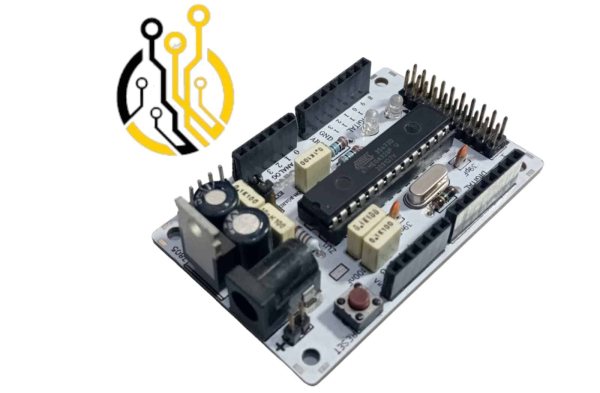
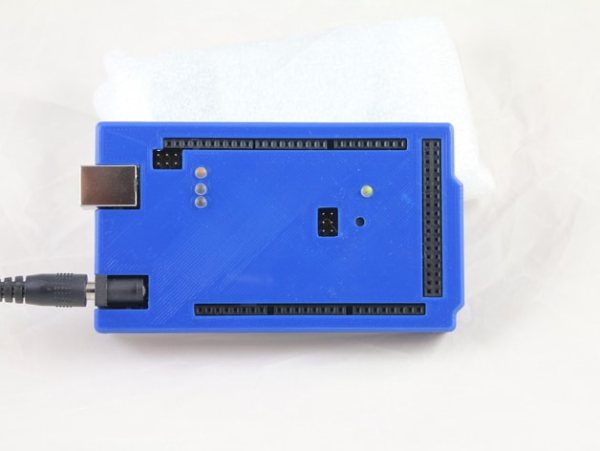
Also think about the enclosure (UNO, MEGA) if the board needs to leave the desk. Sensors, cables and power supplies can be found in the Arduino category.
Both use the same microcontroller and are programmed with the same IDE and the same code. The original is manufactured by Arduino with controlled components and a controlled voltage regulator; the compatible version costs less and works very well for learning and prototyping.
The UNO is enough as long as you stay under about twenty inputs/outputs. Move up to the MEGA 2560 if you need many pins, several serial ports or more program memory, for example for a graphic display or a CNC.
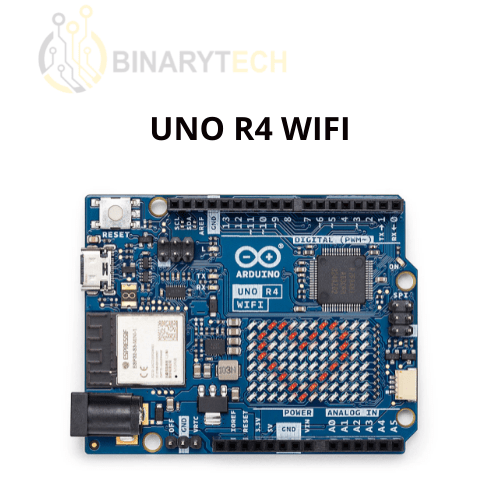
The price depends on the origin (official Arduino board or compatible), the microcontroller (8-bit ATmega versus 32-bit on DUE and M0), built-in connectivity such as Wi-Fi, and finishing details like pre-soldered pins or a USB type C connector.
This depends on the version chosen: some references are sold with pins soldered, ready for a breadboard, others unsoldered with the headers supplied separately, useful if you prefer to solder the board flat into your build.
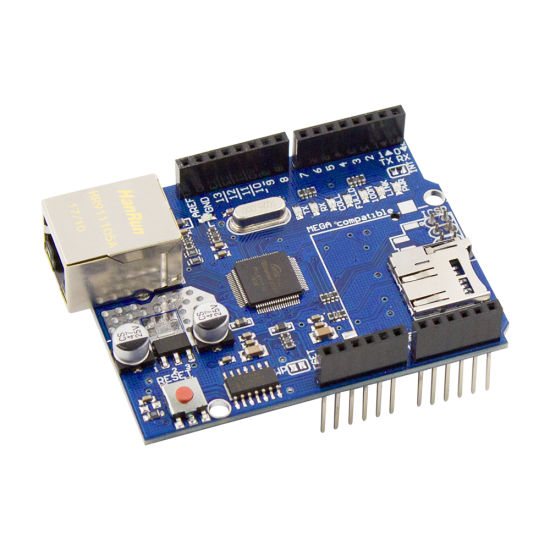
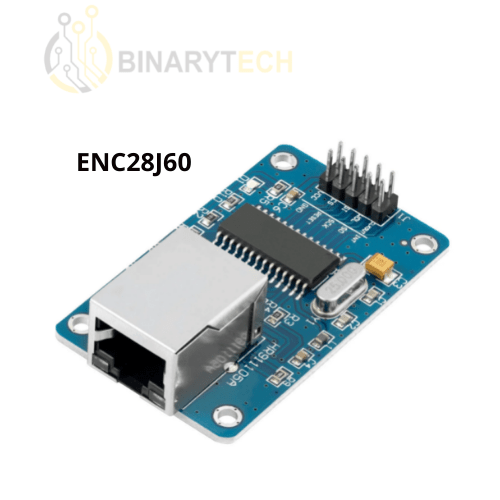
Either with a board that has built-in Wi-Fi such as the UNO R4 WIFI, or by adding an Ethernet module or shield (ENC28J60 over SPI, W5100 shield for UNO and MEGA). Check the logic voltage: the ENC28J60 works at 3.3 V.